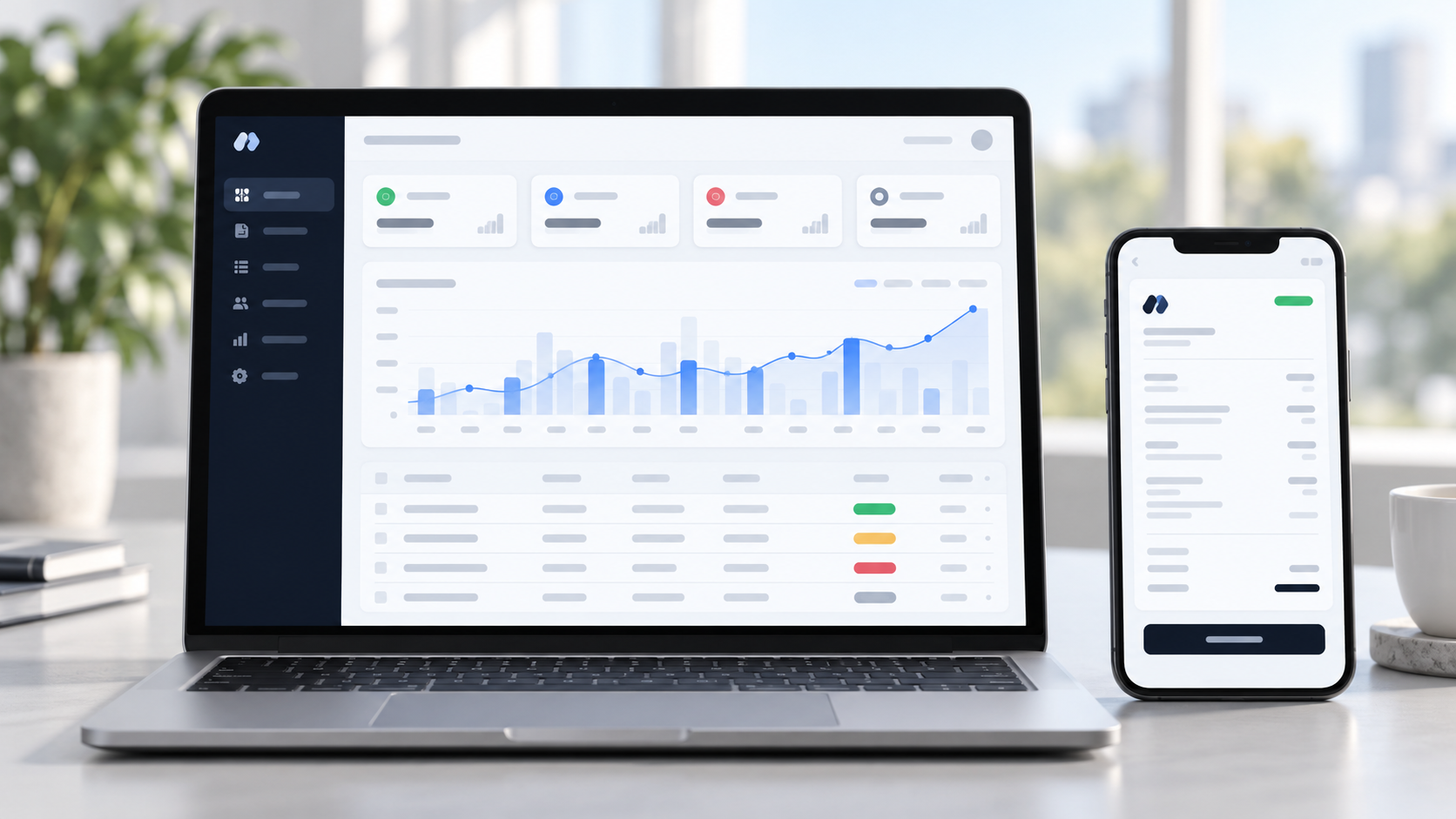
 Live product
Invoice Management System
Invos
A complete invoice management system for businesses — create tax-ready invoices, track payments, email branded PDFs and send automatic overdue reminders.
Run the whole fleet from one screen.
A fleet and trip management platform for Indian transport businesses — an admin dashboard for the office and an offline-ready driver app for the road.
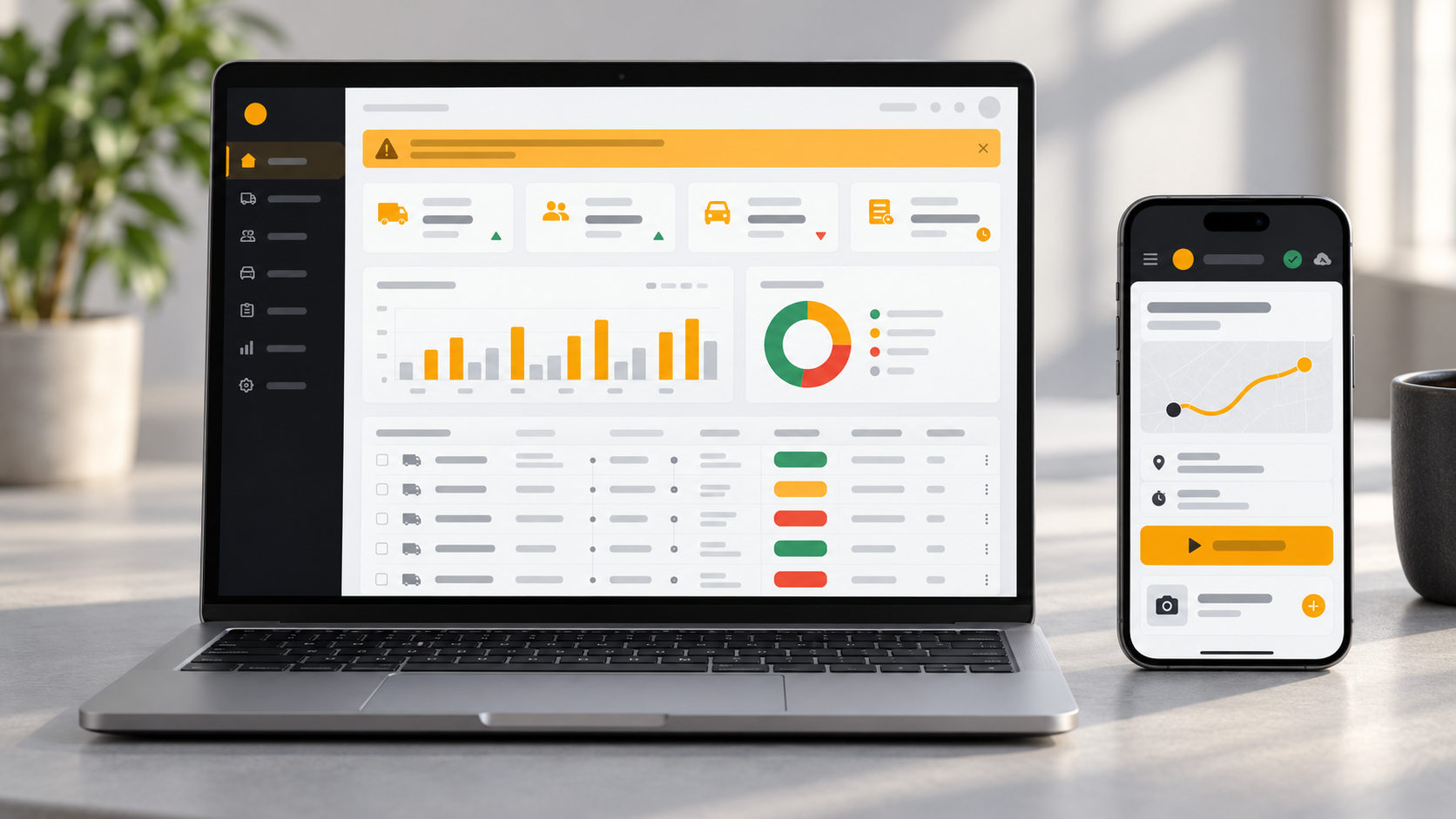
Tripi is a web platform for transport and logistics businesses in India. It ties drivers, vehicles, trips and expenses together, with an admin dashboard for the office and an installable phone app for the drivers on the road.
Both sides run from one codebase and one database, so the office and the driver always see the same trip, the same expenses and the same status. Tripi is live today, and we can tailor it to the way your fleet works.
Who it is for
See every trip, driver, vehicle and rupee spent from one dashboard, with alerts before documents expire.
Create and assign trips, review expense claims and answer driver tickets, without access to profit figures or deletion.
Open the app from a link, see assigned trips, start and complete them, and log expenses with a photo.
Transport and logistics businesses in India often run on cash handed to drivers, paper registers and phone calls. Nobody can easily prove where the money went, which vehicle is free, or whose papers are about to expire.
The cost shows up as padded fuel and repair bills, fines for a lapsed PUC or insurance, one driver or truck booked on two trips at once, and expenses that never get logged because the road has no signal.
Every claim needs a slip photo, and fuel and repair claims cannot be sent without one. Admins approve or reject with a reason, and odometer readings flag duplicates.
A daily check flags licences and vehicle papers before they expire and warns on the dashboard, so there are no surprise penalties at a checkpoint.
Only available drivers and vehicles appear when assigning, and the system enforces one active trip each.
The app saves entries on the phone and syncs when the signal returns. It is duplicate-safe, so a retry never double-charges.
We built Tripi around the leaks a transport business actually has, not around a generic feature list. Every module traces back to a real operational problem: unproven expenses, expiring documents, clashing assignments and dead zones.
One codebase serves two interfaces — an admin dashboard for the office and an installable driver app that behaves like a normal phone app with no app-store download — so both sides always see the same trips, expenses and statuses.
The result is a live platform with nine admin modules, including an Operations Dashboard, Driver and Vehicle Management, Trip Management, Expense Review, Reports & Exports, a Support Desk, Master Data & Settings, and Roles & Audit Trail. Each trip moves through Pending, Assigned, Started, In transit and Completed, with a timestamp at every step.
Drivers get a phone app to see assigned trips, start and complete them, and log expenses with a camera photo, with push notifications for new trips. Admin and Sub-Admin roles are kept separate, licences and slips are stored privately, and six report types export to PDF and Excel.
Every module below is part of the running product.
The day at a glance, with the things that need attention at the top.
One profile per driver, with the paperwork that keeps them on the road.
Every vehicle with its papers tracked by expiry date.
Create a trip, assign it, and watch it move through its lifecycle.
Photo-backed claims that can be approved or rejected with a note.
Six report types, all filterable and exportable.
A simple ticket thread between drivers and the office.
The business tunes the system without needing a developer.
The right access for each person, and a record of what changed.
Every trip moves through the same five stages, and each step is timestamped, so the office always knows where a trip stands.
The office creates the trip with route, dates and client details.
An available driver and vehicle are attached, and the driver is notified.
The driver taps start on the phone, and the departure time is recorded.
Expenses are logged along the way with a photo, and the office tracks progress.
The driver closes the trip, and arrival time and total spend settle automatically.
One Laravel application serves both the office dashboard and the driver app, backed by a single MySQL database. This is how Tripi is built today.
Owner / Admin
Full control and reports
Office staff
Sub-Admin operations
Drivers
On the road, on a phone
Admin dashboard
Filament panel for fleet, trips, expenses and reports
Driver app (PWA)
Installs from a link, with a service worker and offline queue
Laravel 12
Availability checks, expense approval and business rules
Daily expiry check
Flags licences and vehicle papers before they lapse
Roles and audit log
Permissions and a record of critical changes
MySQL
Drivers, vehicles, trips, expenses, tickets
Private storage
Licences, slips and papers via signed links
Firebase push
Notifications for new trips
PDF and Excel
Exportable reports
The product is live and working. We adapt it to your business and can add custom features on request.
Logo, colours, names and labels set to match your company.
Extra details on a trip, such as consignment or client information, and rules that fit your operation.
New report layouts and exports for your owners, accountants or clients.
Permissions tuned to how your office and drivers are organised.
Hooks into other tools, such as accounting exports or messaging alerts, built as custom work.
Set up on your own server and domain, with the setup, SSL and scheduled jobs handled for you.
You get a working system set up for your business, not just software to download.
Logo, colours, names and document styling set up to match your business.
Hosting setup, SSL, database and email configuration, with a recommendation on the right server.
Your existing records brought in, so you start with your real data rather than an empty system.
Walkthrough sessions for your team and clear guidance on day-to-day use.
Maintenance, fixes and improvements after go-live.
Driver logins issued from the admin panel, with simple guidance for installing the app.
Vehicles, drivers, document dates, expense categories and locations loaded before go-live.
How an engagement runs
We walk through the live product with you and list what to keep, change and add for your business.
Branding, fields, workflows, reports and integrations are adjusted to match how you actually work.
We set it up on your domain with SSL, database, email and scheduled jobs, and move your data in.
Your team learns the system with walkthroughs, and you get the credentials and access you need.
Fixes, updates and improvements continue after launch, so the system keeps up with your business.
Timing and cost depend on scope. We agree both after a short consultation, before any work starts.
The stack behind the live product.
Backend
Driver app
Offline and alerts
Access and reports
Both. Tripi is a working product that is already live, and we deploy it for your company and customise it to your fleet, branding and workflows.
No. The driver app is a progressive web app. Drivers open a link and add it to their home screen, and it behaves like a normal app, with no store download.
The app saves entries on the phone and syncs them when the signal returns. The sync is duplicate-safe, so a retry never records an expense twice.
Every claim carries a slip photo, and fuel and repair claims cannot be submitted without one. Admins approve or reject with a reason, and odometer readings flag duplicates.
Sub-Admins can run day-to-day operations but cannot see profit figures or delete records. Those stay with the owner. Drivers can never reach the admin side.
Yes. We start with a short review of your process and agree what to keep, change and add, then customise and deploy it for you. Timing depends on the scope.
Tell us how you work and we will customise Tripi, deploy it for you and train your team.
Live productInvoice Management System
A complete invoice management system for businesses — create tax-ready invoices, track payments, email branded PDFs and send automatic overdue reminders.
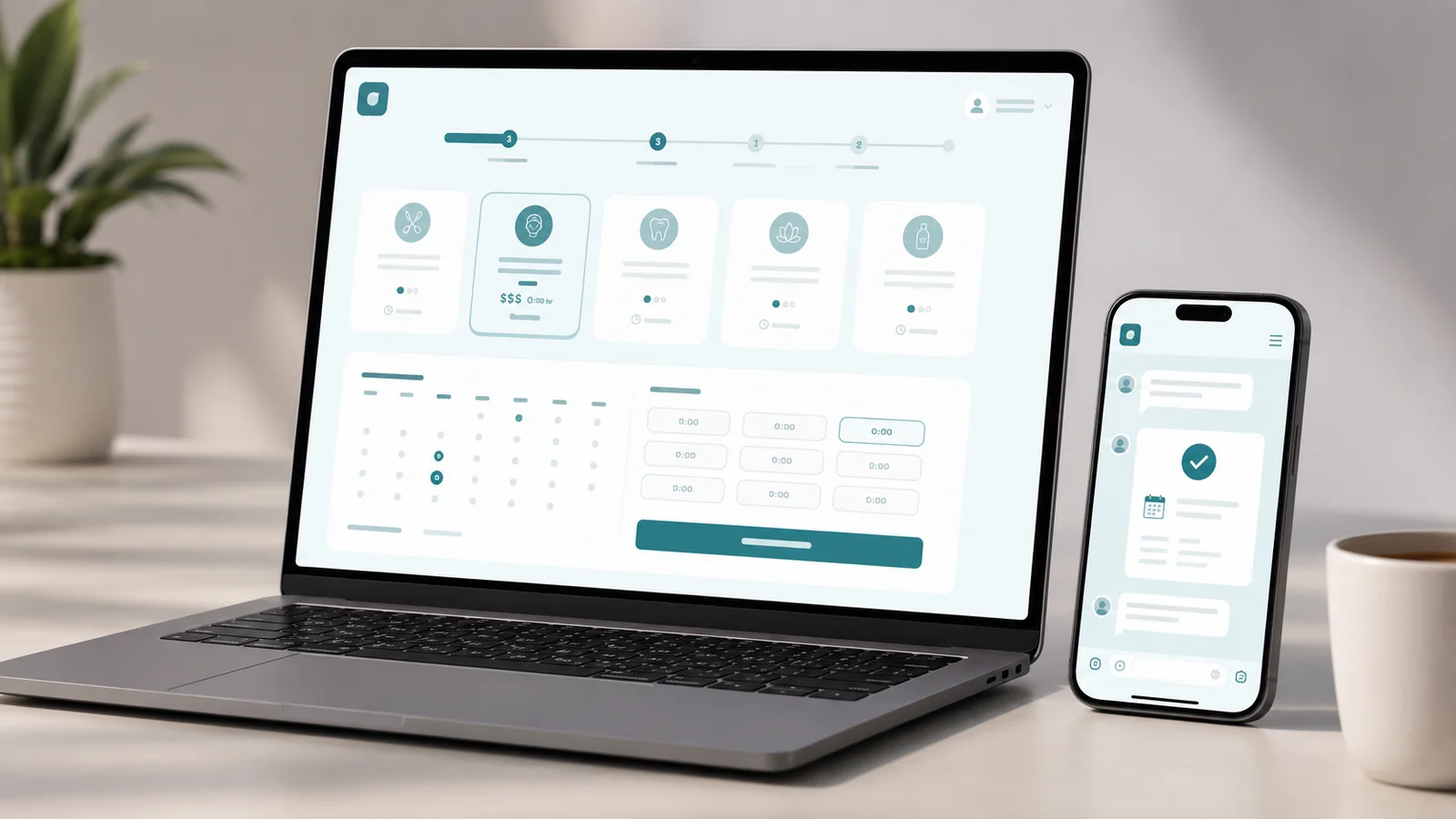 Interactive prototype
Booking Platform
A concept booking platform for salons, clinics and studios — pick a service, see availability, and confirm in a few taps, no phone call needed.
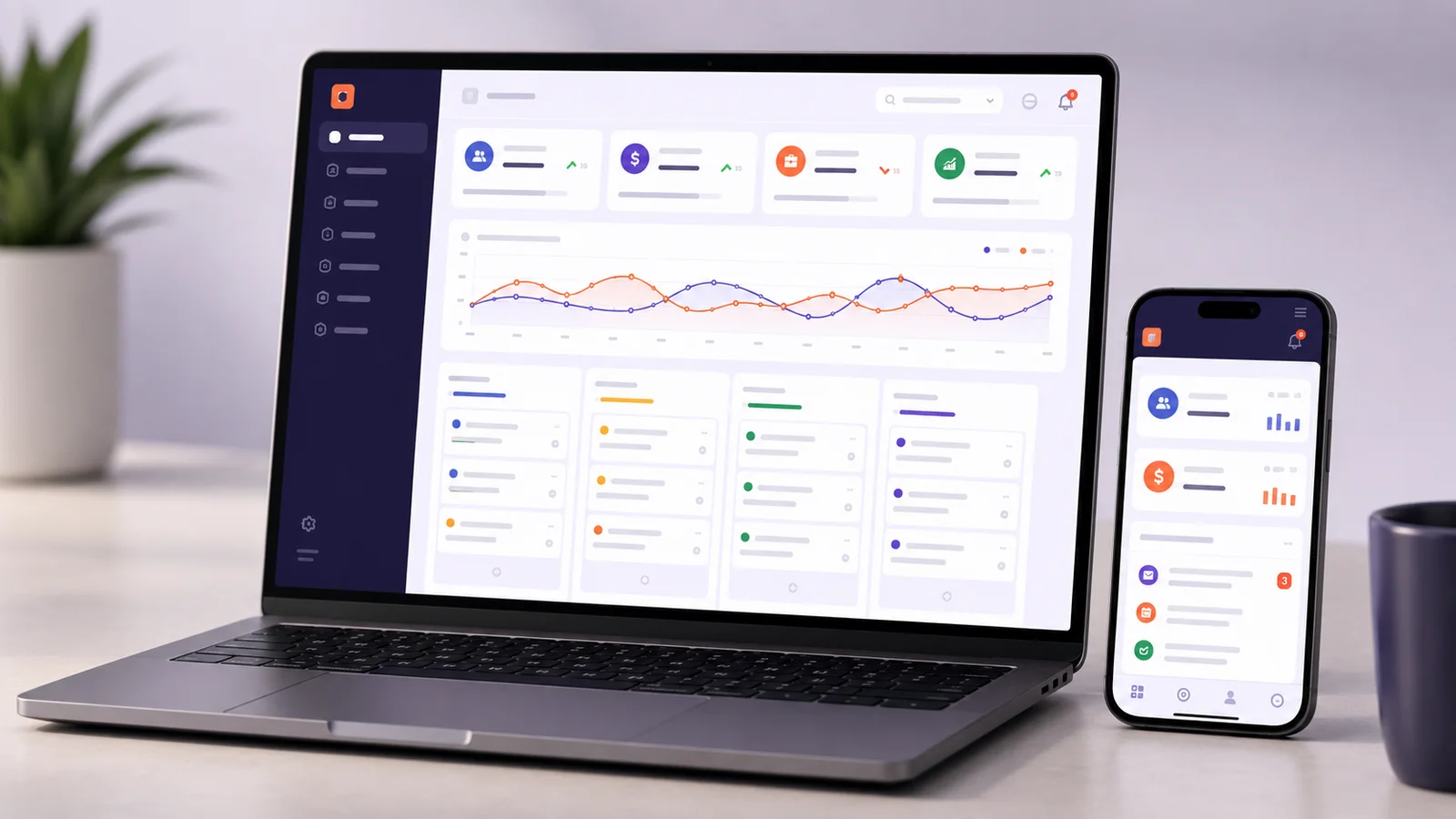 Interactive prototype
CRM Platform
A concept sales CRM — a Kanban pipeline, lead tracking, task follow-ups and revenue reporting in one workspace, built for small sales teams outgrowing spreadsheets.