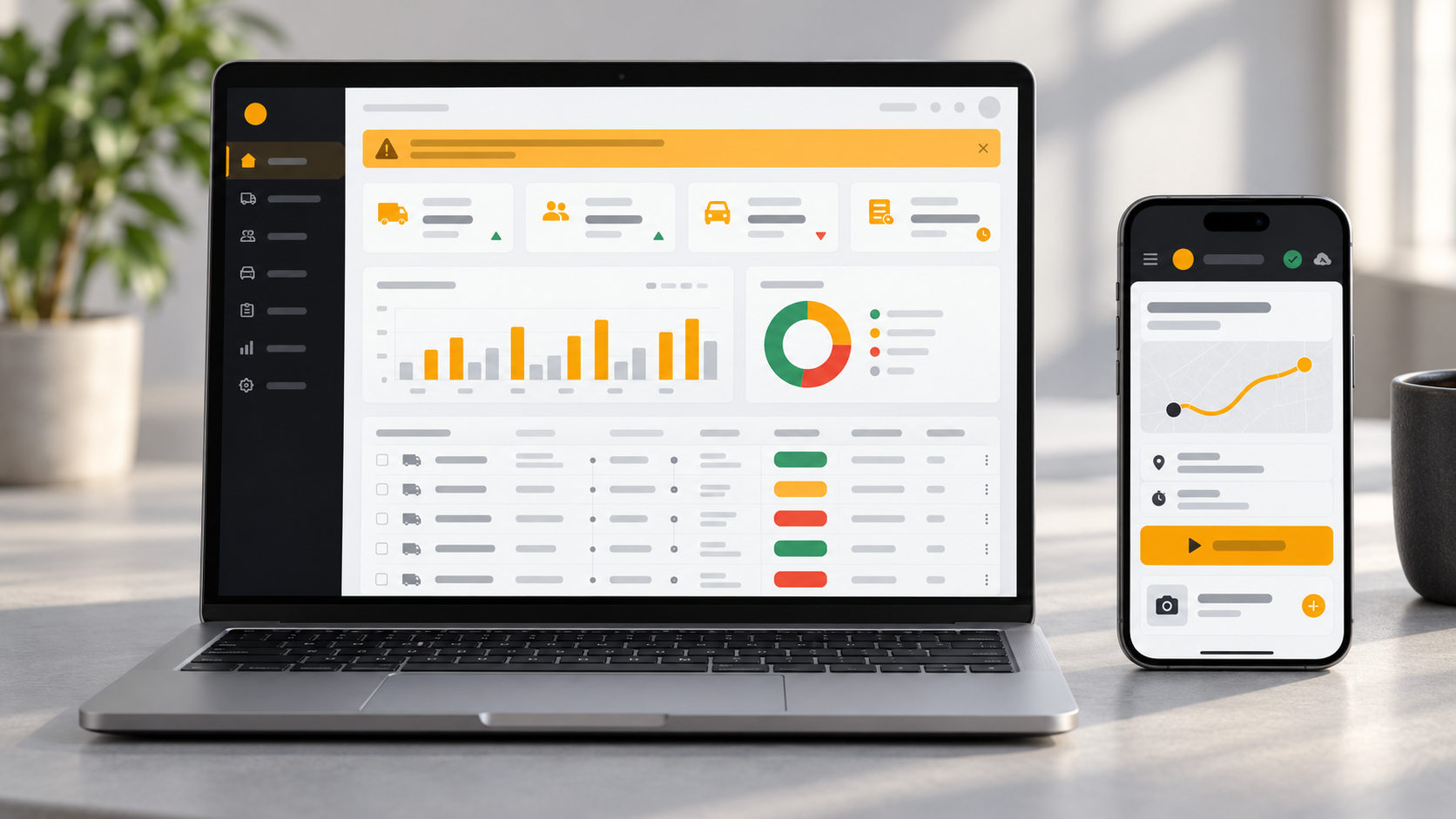
 Live product
Fleet & Trip Management Platform
Tripi
A fleet and trip management platform for Indian transport businesses — an admin dashboard for the office and an offline-ready driver app for the road.
The whole billing cycle, in one clean workspace.
A complete invoice management system for businesses — create tax-ready invoices, track payments, email branded PDFs and send automatic overdue reminders.
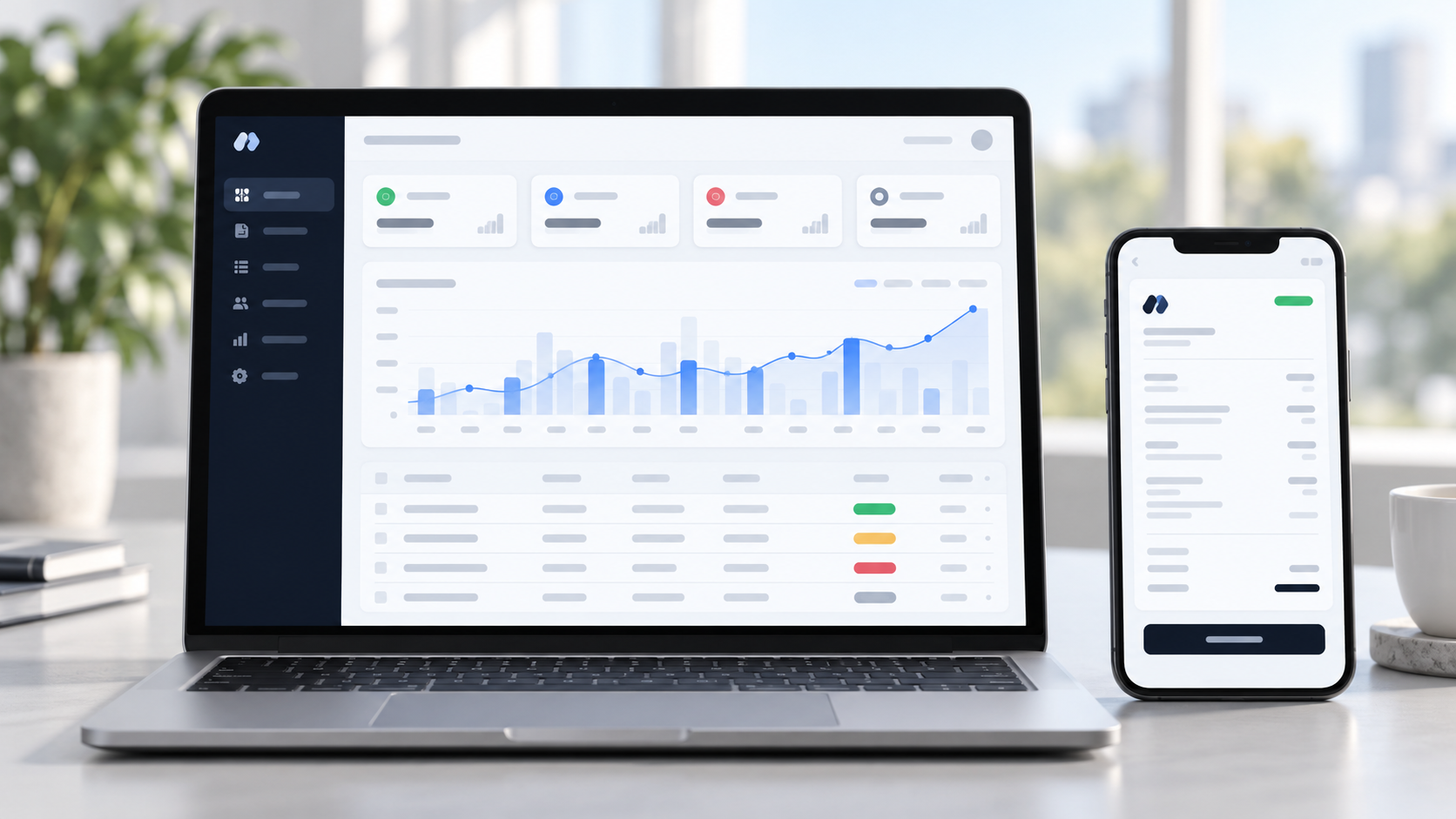
Invos replaces spreadsheets, Word templates and manual follow-ups with one organised system. A business sets up its company profile once, and after that an invoice takes minutes: pick a client, add items, and Invos works out discounts, taxes and totals.
The invoice can be previewed as a PDF, emailed to the client and tracked until it is fully paid. Overdue invoices are followed up automatically, and the dashboard and reports show exactly where the money stands. Invos is live today, and we can tailor it to your business.
Who it is for
Send clean, branded invoices and see who has paid without keeping a spreadsheet.
Bill clients regularly with consistent numbering, tax handling and payment tracking.
GST, PAN, HSN/SAC and financial-year numbering for India, plus multiple currencies and custom tax labels abroad.
Many businesses still bill from spreadsheets and Word templates. Invoices look inconsistent, tax and discounts are worked out by hand, numbers get duplicated, and nobody has a clear record of who has paid what.
Late payers are chased from memory, and when a client's details change, old invoices quietly change with them. Billing data ends up scattered across too many tools.
Ready-made, professionally designed PDF templates carry your logo, signature and brand colour.
Totals are worked out automatically per item and per invoice, with inclusive or exclusive tax and rounding.
Numbering follows the prefix, padding, separator and reset rules you set once.
Partial and full payments are recorded against each invoice, and the balance due updates by itself.
Overdue reminders go out by email on the days you choose, with in-app notifications for you.
Each invoice keeps a snapshot of the client and company details as they were when it was issued.
We built Invos as one workspace for the whole billing cycle: company profile, clients, taxes, discounts, payment methods, invoices, payments and reports in one place, instead of a separate tool for each step.
Accuracy comes first. Totals are calculated automatically per item and per invoice, numbering follows rules the business sets once, and every invoice stores a snapshot of the client and company details so history never changes after the fact.
The result is a live system where an invoice takes minutes: pick a client, add items, preview a branded PDF and email it with one click. Partial or full payments update the balance and status automatically, and a daily job sends overdue reminders on the days the business has configured.
A dashboard and reports show revenue, outstanding amounts, client performance and tax totals, with CSV export for accountants. The interface is responsive, supports light and dark mode, and includes global search with Ctrl or Cmd + K.
Every module below is part of the running product.
A live view of the business the moment the owner logs in.
The company profile used on every invoice.
A complete client directory with a detail page for each client.
The heart of the system, from draft to paid.
Track what has been paid and show clients how to pay.
Rates and discounts set once and reused everywhere.
What you see is what the client gets.
Numbers for owners and accountants.
Everyday productivity features that save clicks.
The same cycle every time, so billing stays predictable for you and for your clients.
Add the company profile, branding, taxes, discounts and payment methods.
Save billing details, tax identity and payment terms for each client.
Choose a client and add items. Tax, discounts and totals calculate automatically, and a unique number is generated.
Check the PDF, then email it with one click. The invoice becomes sent.
Record partial or full payments. The balance updates and the status moves to partially paid or paid.
Overdue reminders go out on your schedule, and the dashboard and reports show where you stand.
A single Laravel application serves the private workspace and the public landing page. This is how Invos is built today.
Business owner
Signs in to the private workspace
Your clients
Receive the invoice PDF by email
Admin workspace
Livewire 3 with Volt, Alpine.js and Tailwind CSS, with charts in amCharts 5
Public landing page
One-page site presenting the product
Laravel 12
Calculation, numbering and invoice snapshots
Daily scheduler
Checks overdue invoices at 09:00 and sends reminders
Security layer
Login rate limiting, verified email, security headers
MySQL
Company, clients, invoices, payments
PDF engine
Headless Chrome via Browsershot
Email (SMTP)
Default mailer or the company's own server
CSV export
Reports for accountants
The product is live and working. We adapt it to your business and can add custom features on request.
Several staff members with roles and permissions, or multi-company support.
Razorpay, Stripe or PayU with pay-now links on the invoice.
Recurring invoices, quotations and estimates, credit notes and purchase orders.
GST e-invoicing and e-way bill integration.
Connections to Tally, Zoho Books, QuickBooks and other accounting or ERP systems.
Invoice delivery and payment reminders on WhatsApp or SMS.
A login where your customers can view, download and pay their invoices.
Tailored invoice designs, custom domains and white-label versions.
You get a working system set up for your business, not just software to download.
Logo, colours, names and document styling set up to match your business.
Hosting setup, SSL, database and email configuration, with a recommendation on the right server.
Your existing records brought in, so you start with your real data rather than an empty system.
Walkthrough sessions for your team and clear guidance on day-to-day use.
Maintenance, fixes and improvements after go-live.
PDF generation needs a headless Chrome engine, so we recommend and set up a VPS or cloud server that supports it.
Cron for the daily reminders and mail configured, including your own SMTP if you prefer.
How an engagement runs
We walk through the live product with you and list what to keep, change and add for your business.
Branding, fields, workflows, reports and integrations are adjusted to match how you actually work.
We set it up on your domain with SSL, database, email and scheduled jobs, and move your data in.
Your team learns the system with walkthroughs, and you get the credentials and access you need.
Fixes, updates and improvements continue after launch, so the system keeps up with your business.
Timing and cost depend on scope. We agree both after a short consultation, before any work starts.
The stack behind the live product.
Backend
Interface
Documents and email
Charts and quality
It is a ready, working product that can be deployed for your company. We can also customise it to match your business needs.
Each installation serves one company. Multi-company support can be built as a custom feature.
The current version uses a single owner account. Team roles and permissions can be added as custom development.
Yes. GST and PAN fields, HSN/SAC codes and configurable tax rates are included. GST e-invoicing integration can be built on request.
Invoices show your bank, UPI and other payment details. A payment-gateway integration with pay-now links can be added as custom work.
Invoices are emailed with one click from the invoice page. Overdue reminders are then sent automatically on the schedule you set.
Yes. Reports can be exported to CSV for your accountant or for spreadsheets.
The system uses login protection, email verification, rate limiting, security headers and per-account data isolation, and it runs on infrastructure you control.
Tell us how you work and we will customise Invos, deploy it for you and train your team.
Live productFleet & Trip Management Platform
A fleet and trip management platform for Indian transport businesses — an admin dashboard for the office and an offline-ready driver app for the road.
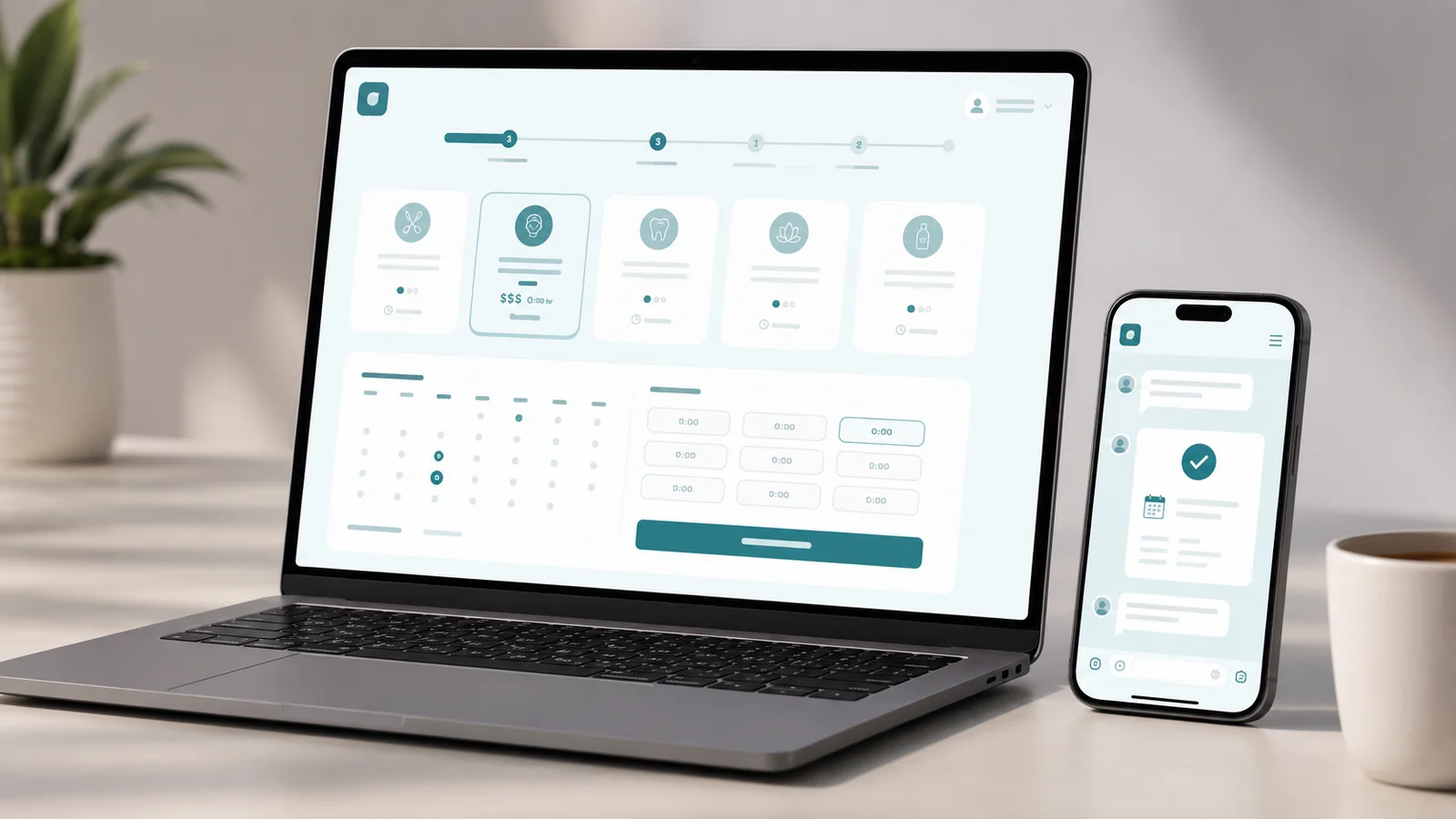 Interactive prototype
Booking Platform
A concept booking platform for salons, clinics and studios — pick a service, see availability, and confirm in a few taps, no phone call needed.
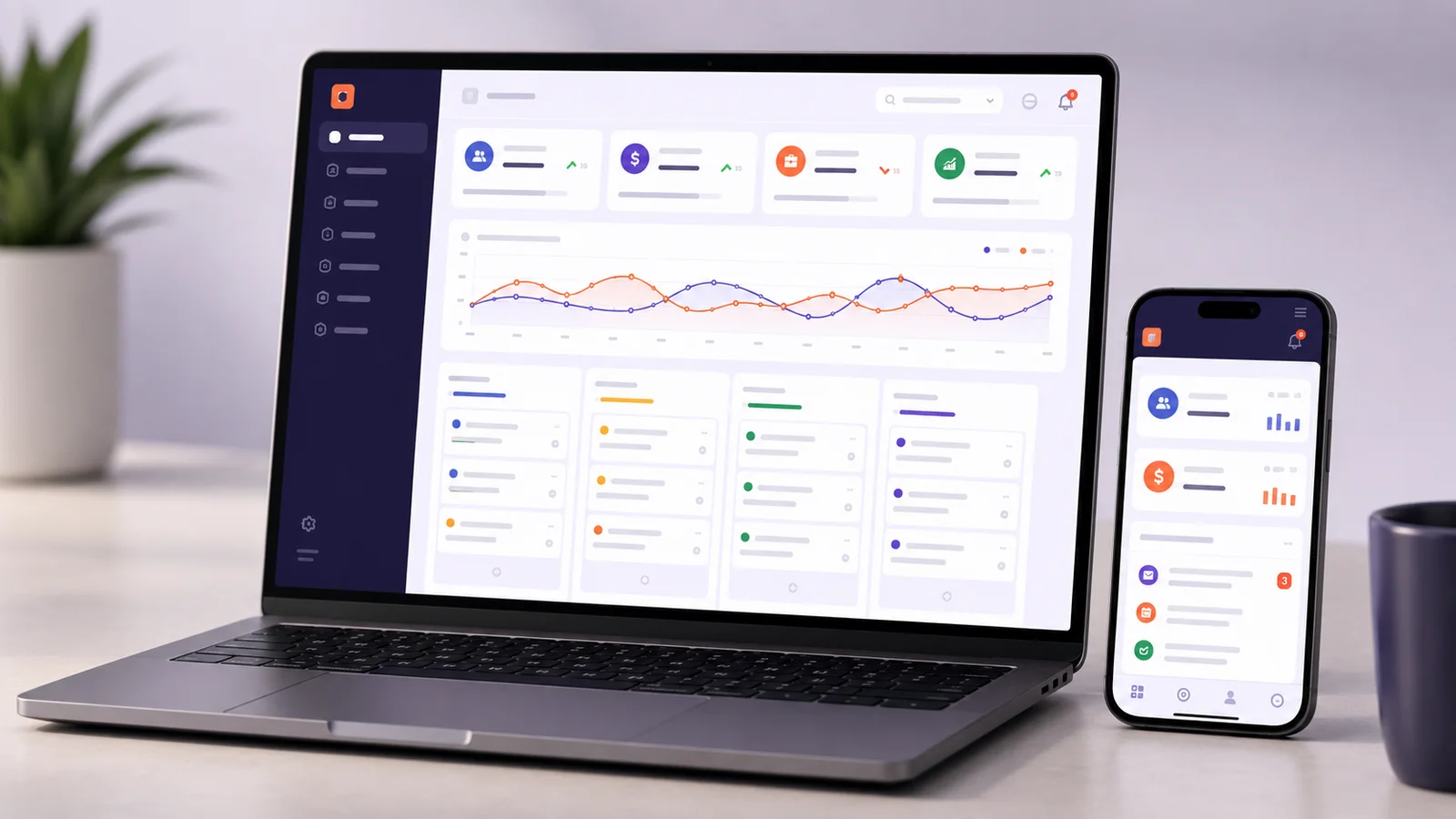 Interactive prototype
CRM Platform
A concept sales CRM — a Kanban pipeline, lead tracking, task follow-ups and revenue reporting in one workspace, built for small sales teams outgrowing spreadsheets.