Business Process Automation: Where Should You Start?
- #business process automation
- #workflow automation
- #business efficiency
- #process improvement
- #ai integration
- #operations management
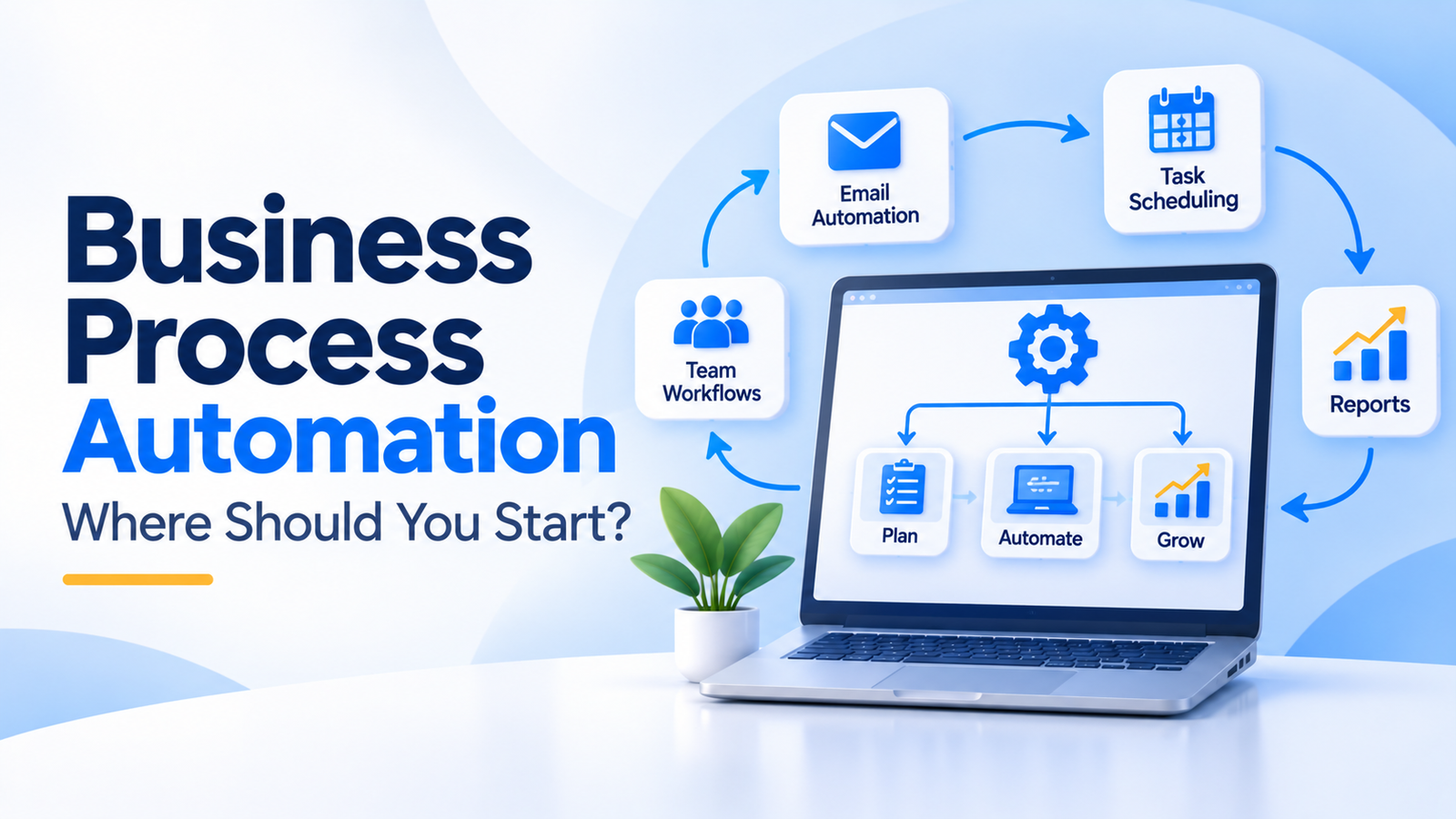
Running a business involves many repetitive activities. Employees enter customer details, send follow-up emails, prepare invoices, update records, and request approvals. These tasks are necessary, but handling each one manually can consume valuable time.
Business process automation helps businesses organise these activities and reduce repetitive manual work. It uses software to perform defined tasks based on rules, triggers, and workflows.
However, automating every process is not the right approach. Start with tasks that happen regularly, follow clear steps, and create unnecessary effort. This guide explains how to identify those opportunities and introduce automation without making operations more complicated.
In this guide:
- What business process automation means
- Which tasks are suitable for automation
- How to prepare and implement workflows
- How to measure results and avoid common mistakes
What is business process automation?
Business process automation is the use of software to execute repetitive business activities with limited manual intervention.
A process usually starts with an event, follows predefined steps, and produces an outcome.
For example, consider a business that receives enquiries through its website.
Without automation:
- A team member checks the enquiry form.
- They copy the details into a spreadsheet.
- They notify the sales team.
- Someone manually schedules a follow-up.
- The team updates the enquiry status.
With automation, the submitted form could create a customer record, notify the assigned salesperson, and trigger a follow-up task.
The team still handles the actual sales conversation. Software manages the repetitive administrative steps.
Automation can use different technologies:
- Rule-based automation: Performs actions when predefined conditions are met. For example, send an email after a customer submits a form.
- Workflow automation: Connects multiple tasks and systems into one process. For example, route an invoice for approval before recording it.
- AI-powered automation: Uses AI for tasks such as classifying enquiries, extracting information, or processing unstructured text. These outputs may need human review.
Not every workflow requires AI. Simple rules are often easier to test and maintain.
Which business processes should you automate first?
The best starting point is usually a repetitive task with clear steps and predictable outcomes.
Here are practical examples across different business functions.
1. Customer enquiry management
When someone submits an enquiry, automation can:
- Create a lead record.
- Notify the appropriate team member.
- Assign a follow-up task.
- Send an acknowledgement email.
This reduces manual data entry and helps teams organise incoming enquiries.
2. Invoice and payment reminders
A business can configure workflows to:
- Generate an invoice after an approved transaction.
- Send the invoice to the customer.
- Record payment updates.
- Trigger reminders for overdue invoices.
Payment records should still be checked against reliable financial information.
3. Employee onboarding
Once an employee joins, a workflow can create tasks for documentation, account setup, equipment allocation, and internal introductions.
Sensitive approvals and employment decisions should remain under appropriate human control.
4. Inventory notifications
A stock management system can monitor inventory levels and notify the responsible team when an item reaches a defined threshold.
This helps teams identify items that may need attention. It does not replace stock verification or purchasing decisions.
5. Appointment and booking notifications
When a customer submits a booking request, the system can send confirmations, notify staff, and create calendar entries.
Availability should be checked against the actual booking system to prevent conflicting appointments.
6. Internal approval workflows
Businesses can automate the routing of expense claims, purchase requests, and document approvals.
The system can send requests to the correct approver and record their decision. The approval itself should follow the company's authorised process.
Start with one process where the steps are already understood. Automating an unclear workflow can make existing problems harder to identify.
What should you prepare before automating a workflow?
Before selecting software, understand how the current process works.
A business should document the following:
- Starting point: What event begins the process?
- Information required: What details must be available?
- Process owner: Who is responsible for the workflow?
- Actions: What happens at each stage?
- Decisions: Which steps require approval or judgement?
- Exceptions: What happens when information is missing or an action fails?
- Final outcome: How will the team know the process is complete?
For example, an invoice approval workflow may involve an employee submitting an invoice, a manager checking the details, and the finance team recording the approved document.
You should also review the systems involved. If customer details are stored in one system and invoices in another, determine how information will move between them.
Check access permissions and decide which employees can view, change, approve, or export information.
Good preparation prevents common integration problems. It also helps you estimate the actual development and maintenance effort.
How do you implement business process automation?
Use a phased approach rather than automating several departments at once.
- Identify a suitable process. Choose a repetitive task that consumes staff time or creates avoidable delays.
- Map the existing workflow. Document every important step, decision, system, and exception. Speak with the employees who perform the work.
- Remove unnecessary steps. Simplify the process before automating it. Do not build software around duplicate approvals or outdated procedures.
- Define automation rules. Specify what triggers the workflow, what actions follow, and which conditions require human intervention.
- Select the right technology. A ready-made automation platform may be enough for simple workflows. More complex requirements may need custom integrations or software.
- Connect the required systems. Check how information will move between forms, CRM platforms, accounting systems, inventory tools, and other applications.
- Test normal and unusual cases. Test missing information, duplicate records, failed notifications, incorrect permissions, and unavailable integrations.
- Launch gradually. Start with a limited workflow or user group. Keep a manual fallback until the process is working reliably.
- Review and improve. Collect feedback, monitor failures, and update the workflow when business requirements change.
For businesses connecting multiple systems, AI integration and automation can be relevant when workflows involve intelligent processing or automated actions.
If the process needs specialised business logic, data structures, or integrations, custom software development may be worth evaluating.
How should you measure automation results?
An automation project should have a clear business objective.
Do not measure success only by the number of automated tasks. Check whether the workflow actually improves the way your team operates.
Useful measures include:
- Time spent: Compare the time employees spend completing the process before and after automation.
- Error frequency: Track incorrect entries, duplicate records, missed notifications, and failed actions.
- Completion time: Measure how long the process takes from its starting point to completion.
- Manual intervention: Review how often employees need to correct or restart automated workflows.
- Customer experience: Check whether customers receive clearer updates and more consistent responses.
- Operational visibility: Determine whether managers can see pending tasks, approvals, and process status more easily.
Record a baseline before implementation. Review the same measures after launch.
For example, if you automate enquiry assignment, check whether enquiries reach the correct salesperson and whether follow-ups happen as intended.
Also monitor exceptions. A workflow that completes ordinary cases successfully but fails whenever information is missing needs further improvement.
Common mistakes to avoid
Automating a broken process. If the existing workflow contains unnecessary steps, automation can make those inefficiencies harder to change. Simplify the process first.
Choosing AI when simple rules are enough. AI may be useful for interpreting unstructured information, but it adds complexity. Use straightforward rules when the task has predictable conditions.
Ignoring exceptions. Missing information, duplicate submissions, and system failures can interrupt workflows. Define what happens when an expected step cannot be completed.
Connecting systems without checking data quality. Incorrect or inconsistent records can move between applications automatically. Review the source data before integration.
Removing human approval too early. Financial decisions, sensitive records, and unusual customer situations may require human judgement. Keep suitable checks in place.
Forgetting maintenance. Business rules, software platforms, and employee responsibilities change. Assign an owner who reviews workflow performance and updates the automation.
Automating too much at once. Large projects can become difficult to test and manage. Begin with one process, learn from the results, and expand gradually.
Frequently asked questions
What is the difference between business process automation and workflow automation?
Business process automation is a broad approach to improving business activities through software. Workflow automation focuses on connecting and executing specific steps within a process. The terms often overlap in practical business projects.
Does business process automation require AI?
No. Many workflows use simple conditions, triggers, and predefined actions. AI is useful when a process involves interpreting documents, classifying messages, or handling information that does not follow a fixed structure.
Which business processes should a small business automate first?
Start with repetitive tasks such as enquiry assignment, appointment notifications, invoice reminders, and internal approvals. Choose a process with clear steps and enough activity to justify the setup and maintenance effort.
Is custom software necessary for business automation?
Not always. Ready-made platforms can handle many standard workflows. Custom software becomes relevant when existing tools cannot support the required business rules, integrations, permissions, or reporting.
How do you know whether an automation project is successful?
Compare performance before and after implementation. Review processing time, errors, manual intervention, completion rates, and customer experience. The measures should reflect the original business objective.
Start with one process, then expand
Business process automation can help teams reduce repetitive work and organise daily operations. But the value comes from choosing the right process, defining clear rules, and maintaining reliable systems.
Start by identifying one task that employees repeat frequently. Map its steps, remove unnecessary work, and decide which actions software can handle safely.
Once the first workflow is stable, evaluate other opportunities across sales, finance, operations, and customer support.
If your business is planning workflow automation or system integration, contact Aroxa Solutions to discuss your requirements and identify a practical approach.